Local network only
The computer reads straight from the phone over your Wi-Fi or the phone’s hotspot. Nothing is uploaded.
Free Android app · releasing soon
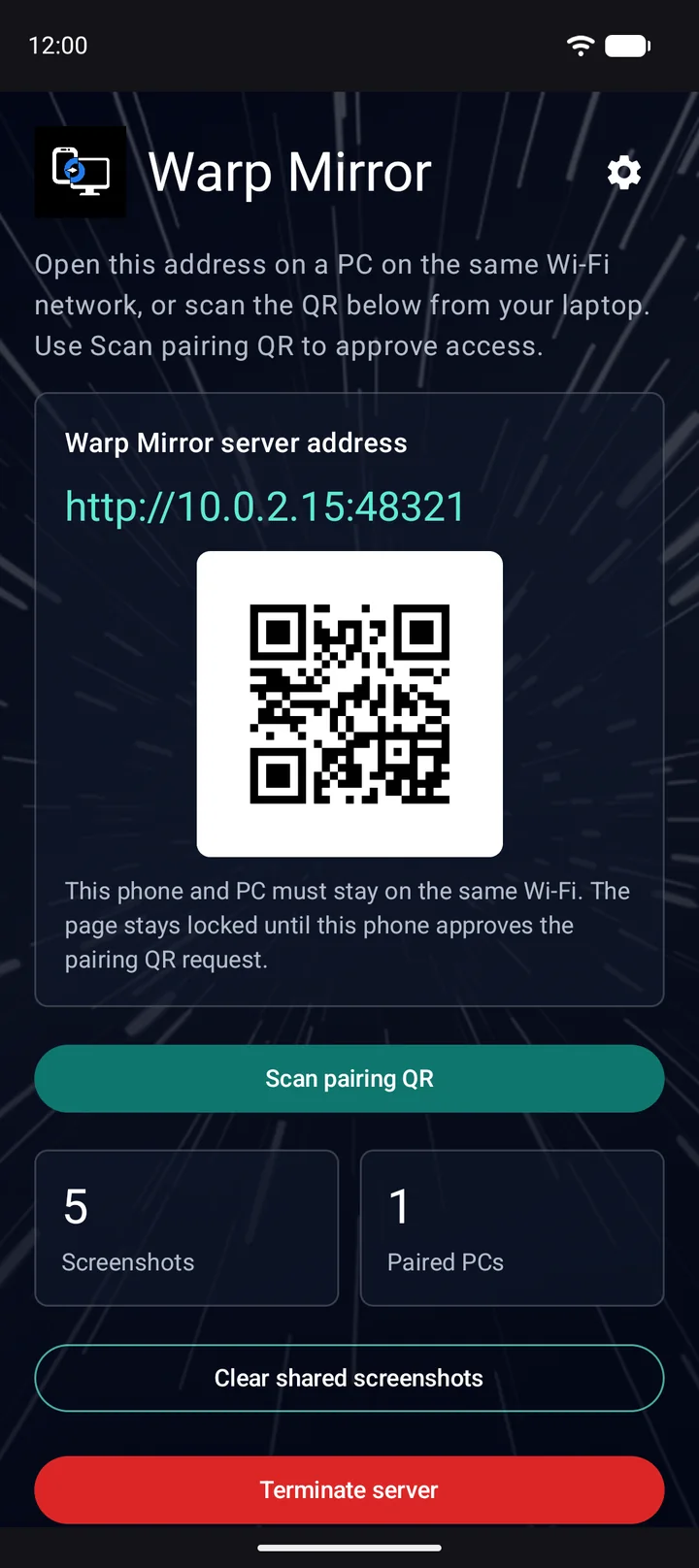
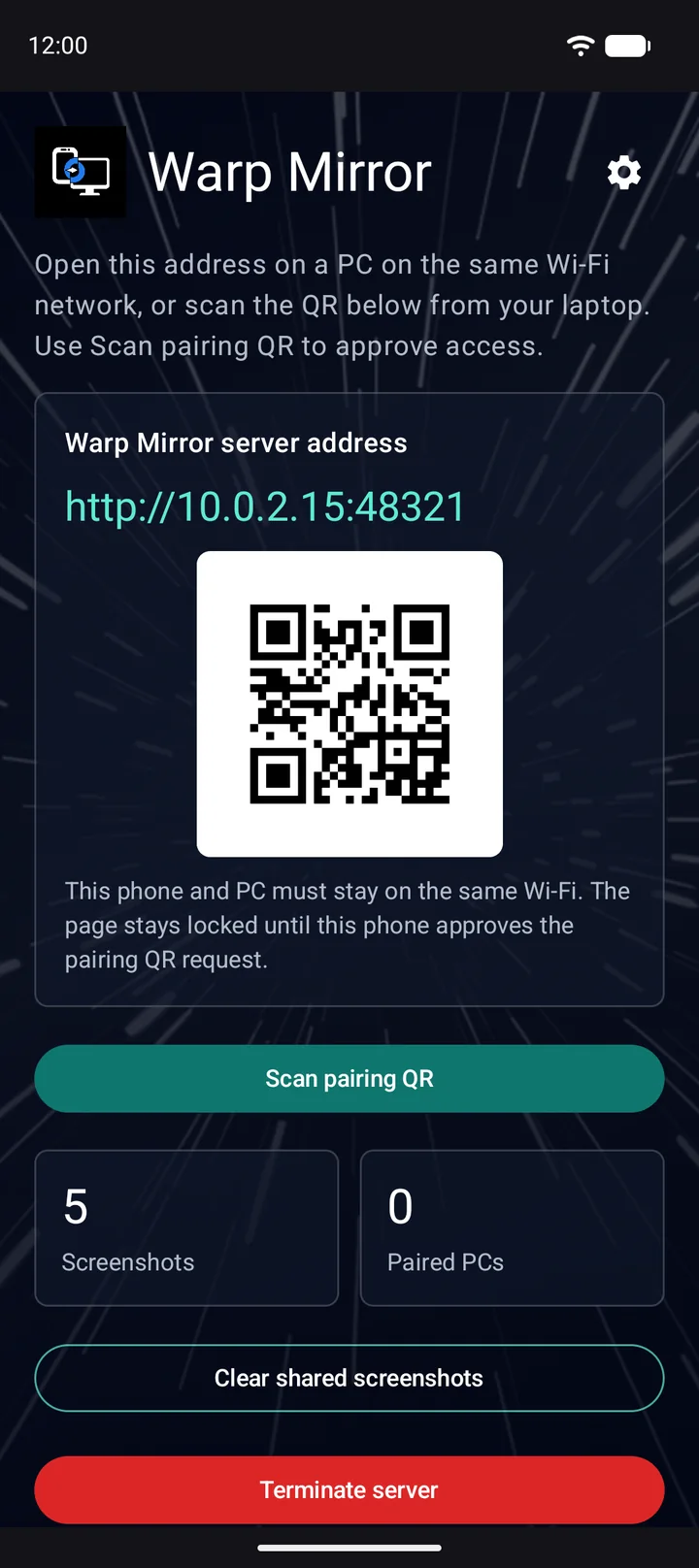
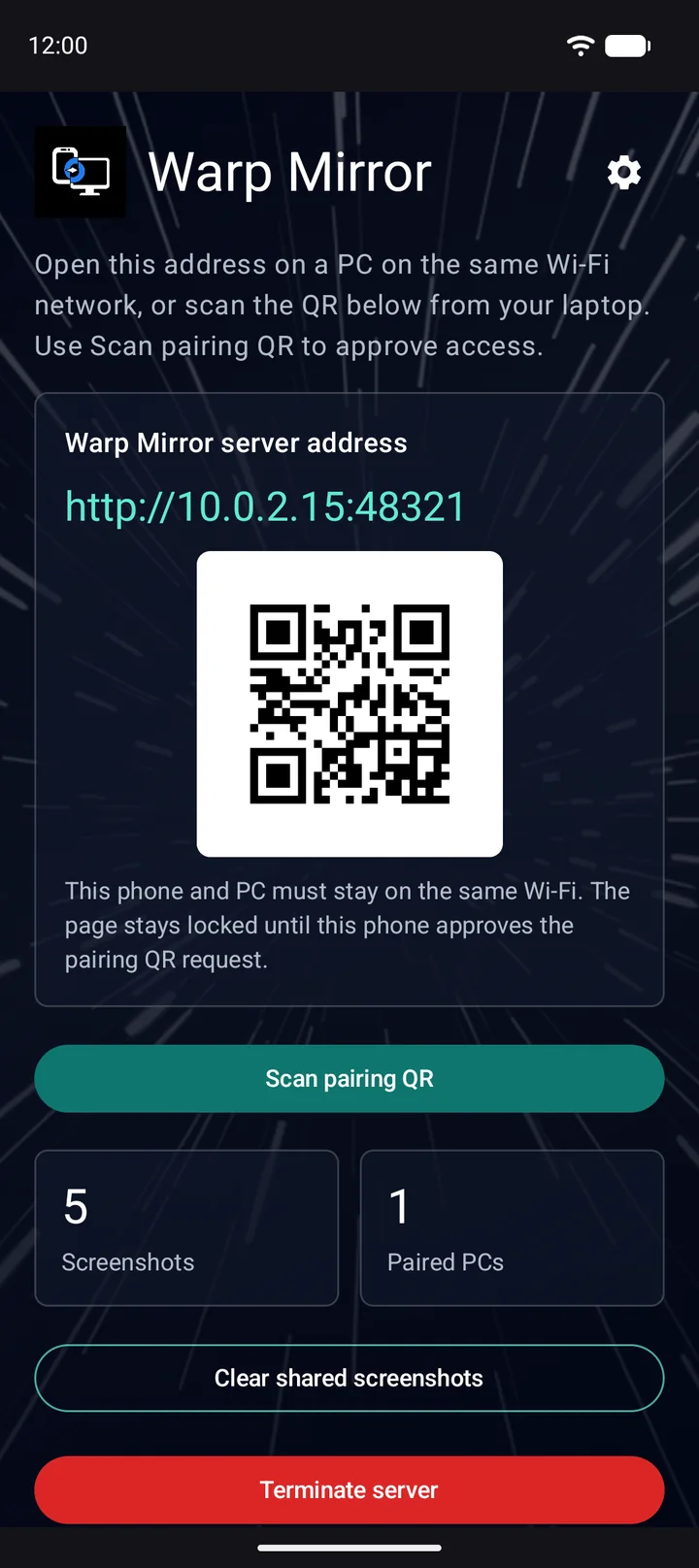
Send a screenshot, a note or a clip from your Android phone to the computer on your desk. Warp Mirror turns the phone into a tiny web page on your own Wi-Fi: open it in any browser, approve it on the phone, download.
How it works
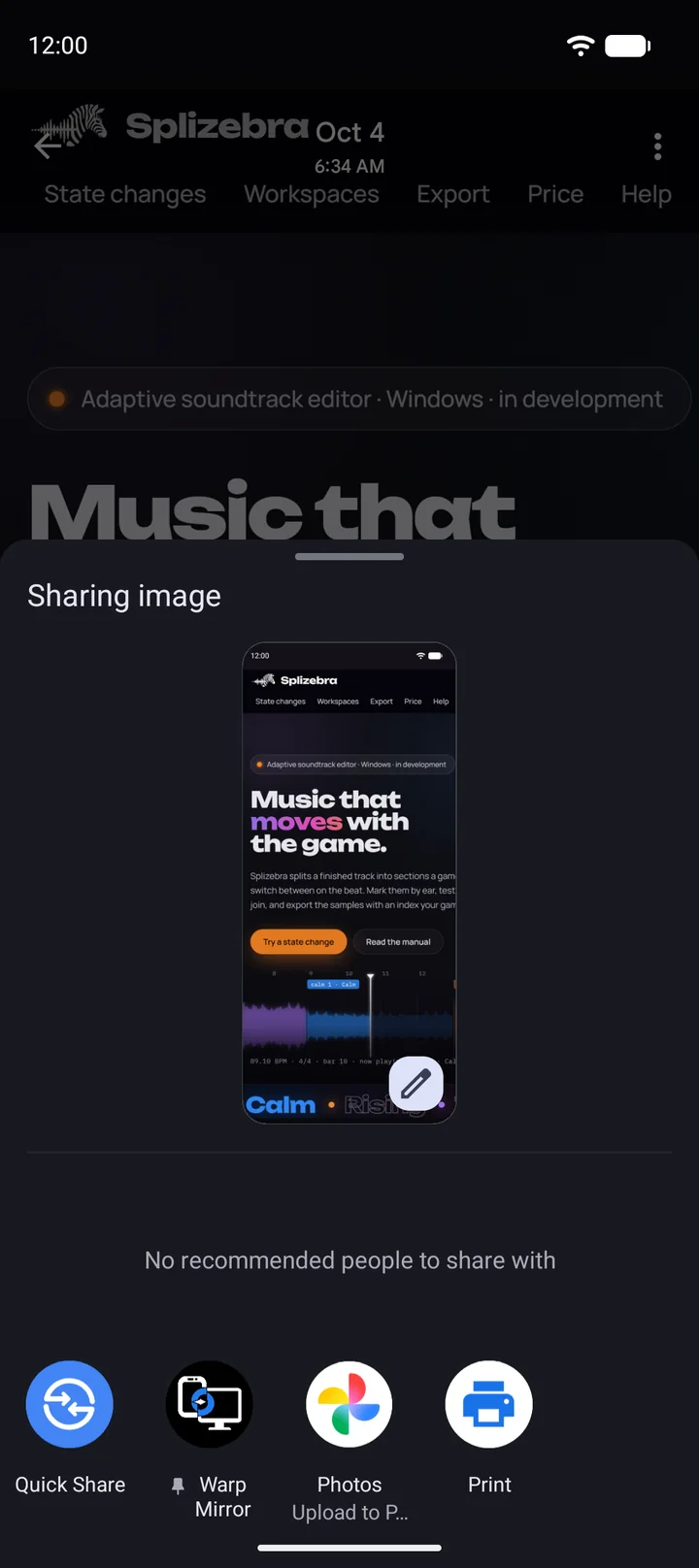
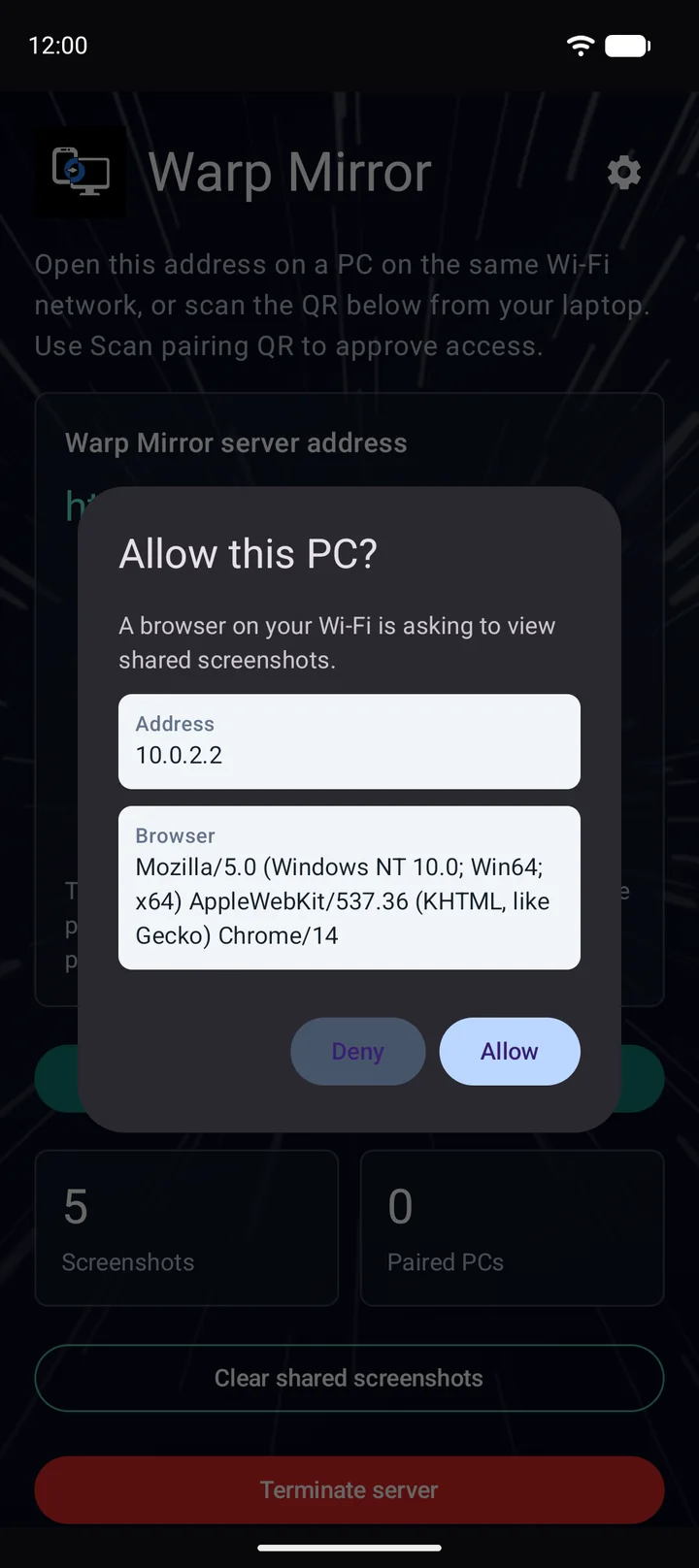
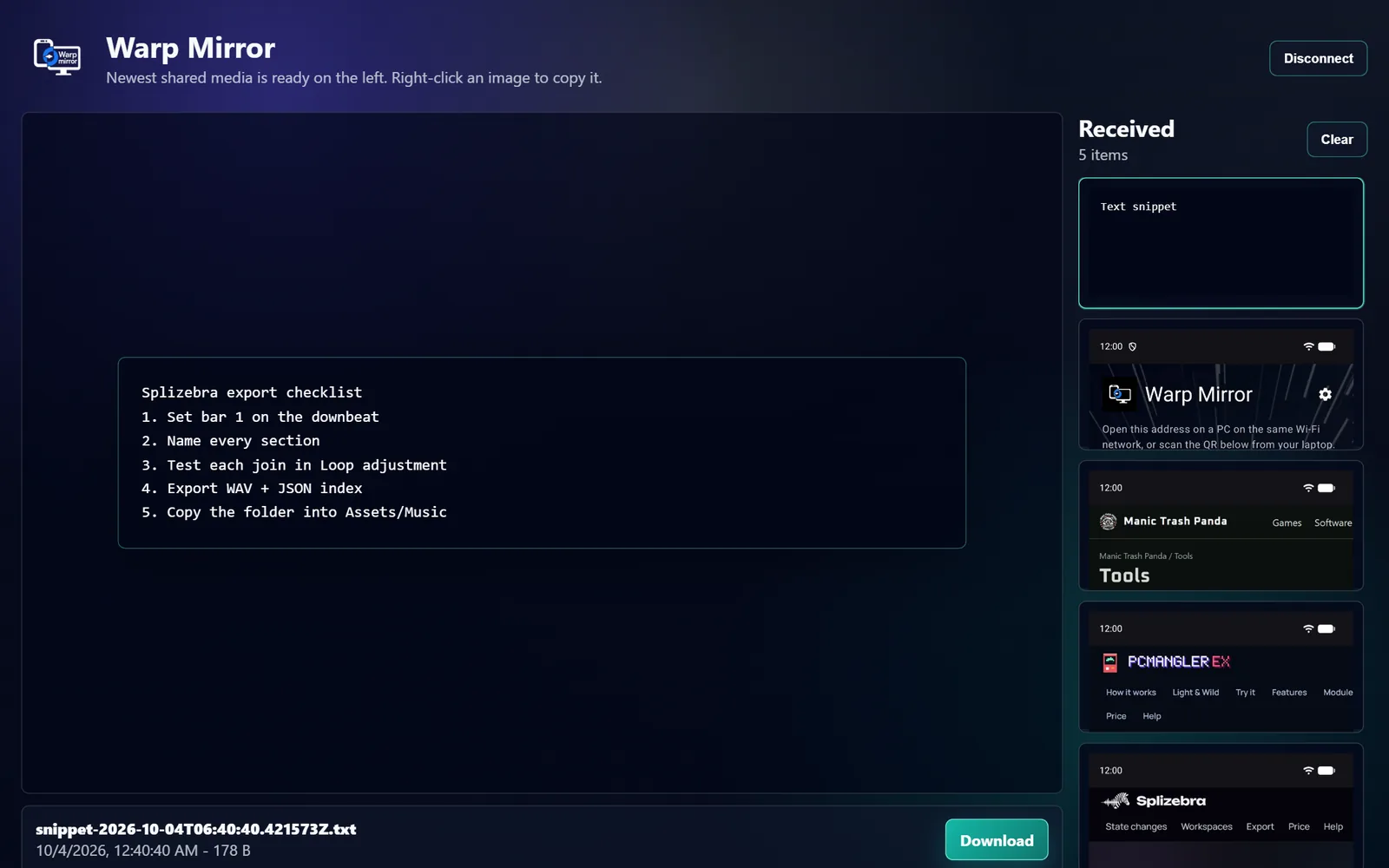
The first time takes a minute. After a browser is approved, anything you share appears on the computer by itself.
What it sends
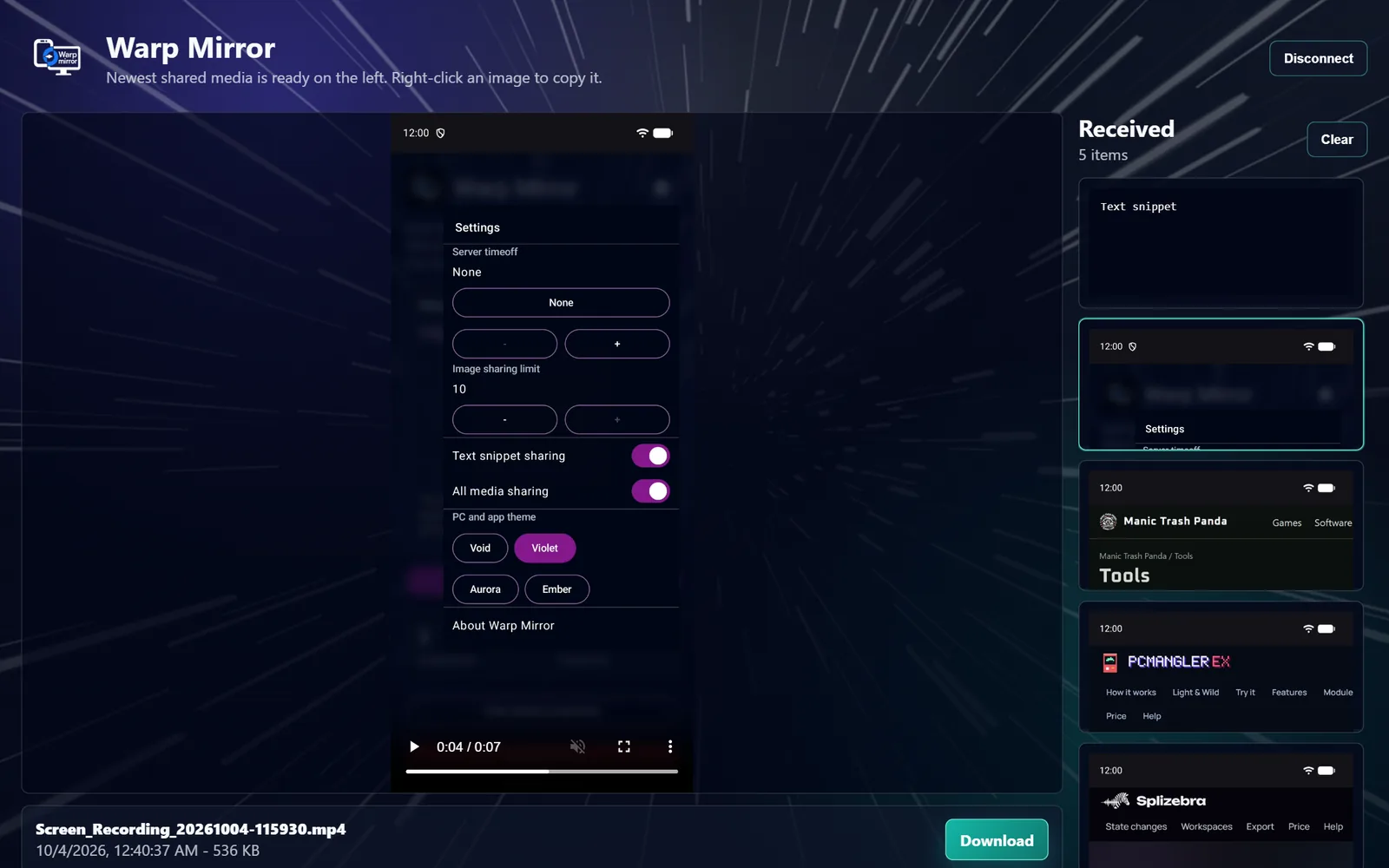
Images are always accepted. Text snippets and video or audio are off until you switch them on, so a stray share from a chat or a music app does nothing.
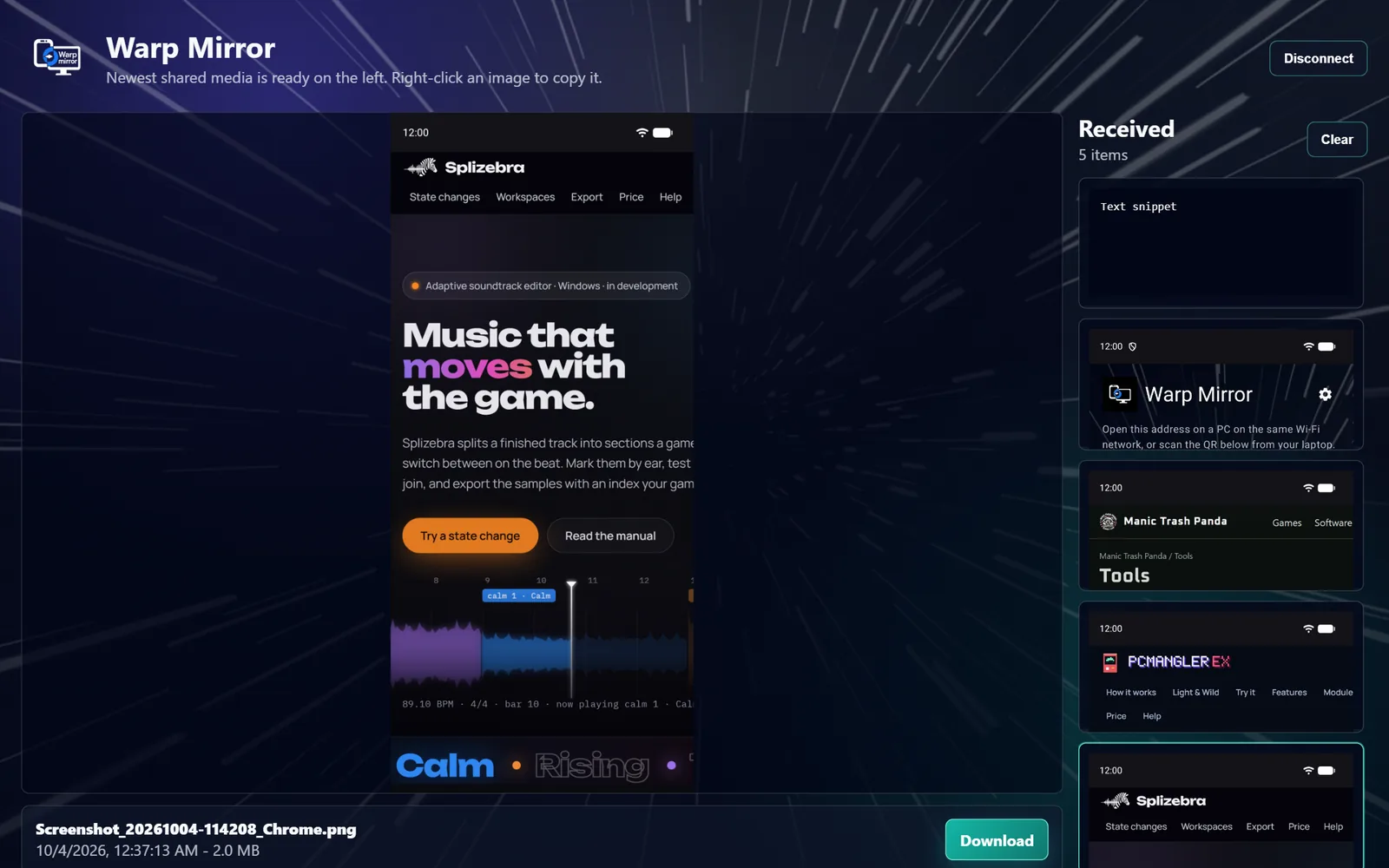
PNG, JPEG, WebP, GIF. Share one or a whole selection. Right-click to copy, or download with the original name.
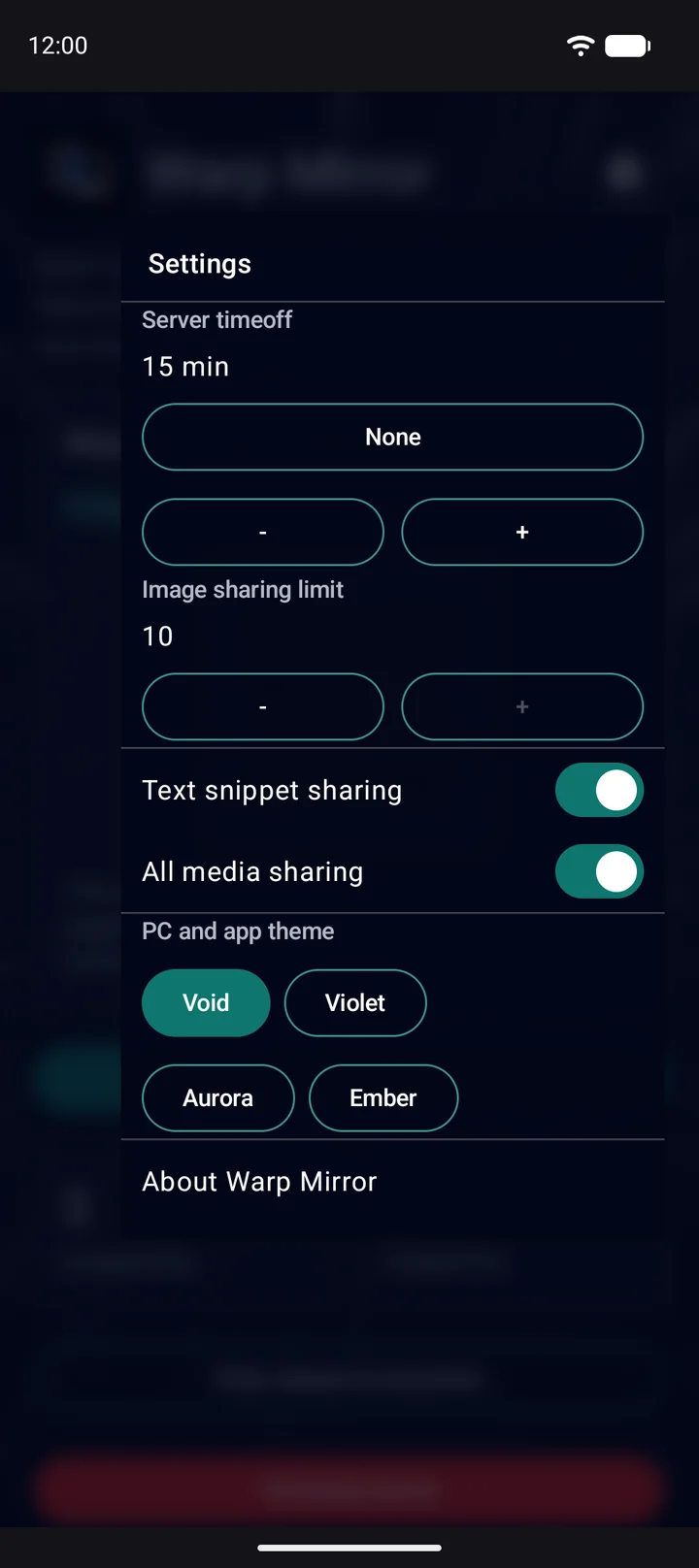
Settings
Privacy
Warp Mirror is a page on your phone, not a service on the internet. There is no account to make and no server of ours in the middle.
The computer reads straight from the phone over your Wi-Fi or the phone’s hotspot. Nothing is uploaded.
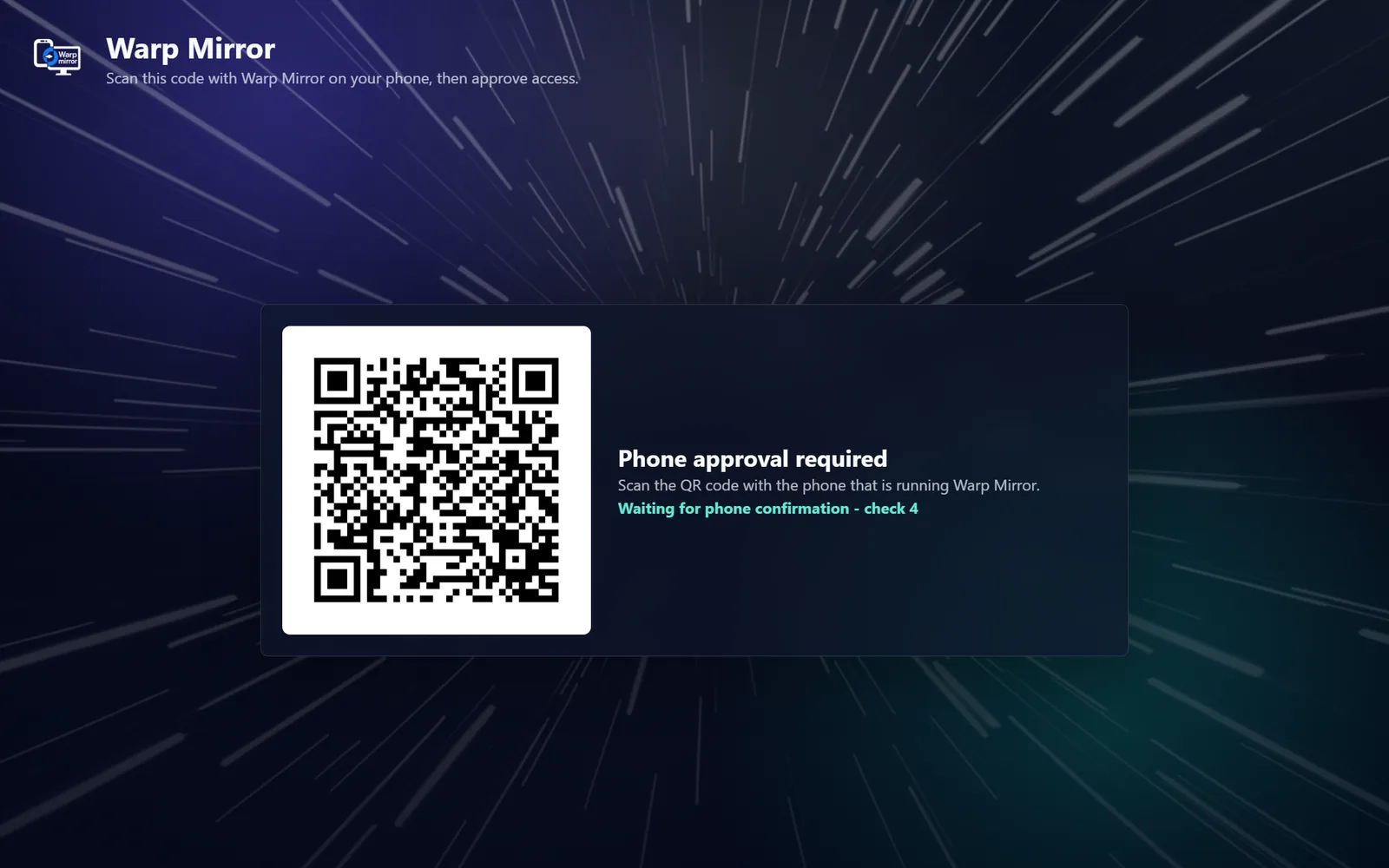
A browser that opens the address sees only a pairing QR until you tap Allow on the phone.
No access to your gallery, contacts or location. It sees an item only when you pick it in the Share menu.
Disconnect on the PC, Terminate server on the phone, or let the server time off by itself.
About “Not secure”. The page uses plain http on your local network, so browsers label it that way, and the connection is not encrypted. Use it on networks you trust; on public Wi-Fi, connect the computer to your phone’s hotspot instead.
Questions
No, by design. The phone and the computer have to be on the same local network. If there is no Wi-Fi, turn on the phone’s hotspot and connect the computer to it.
No. The phone serves the page; any current browser opens it. That includes a Mac, a Chromebook, a Linux machine, or a tablet.
Not today. Warp Mirror goes one way: phone to computer.
No. The sending side is Android only. The receiving side can be any device with a browser.
Warp Mirror keeps its own copies, up to your limit of 1 to 10 items, until you clear them. Your originals in Photos are never moved or changed.
Approval ends when you disconnect, stop the server, or the server times off. Scan the new code and tap Allow.
Help library
From the first transfer to the details of pairing, settings and privacy, in English and Spanish.