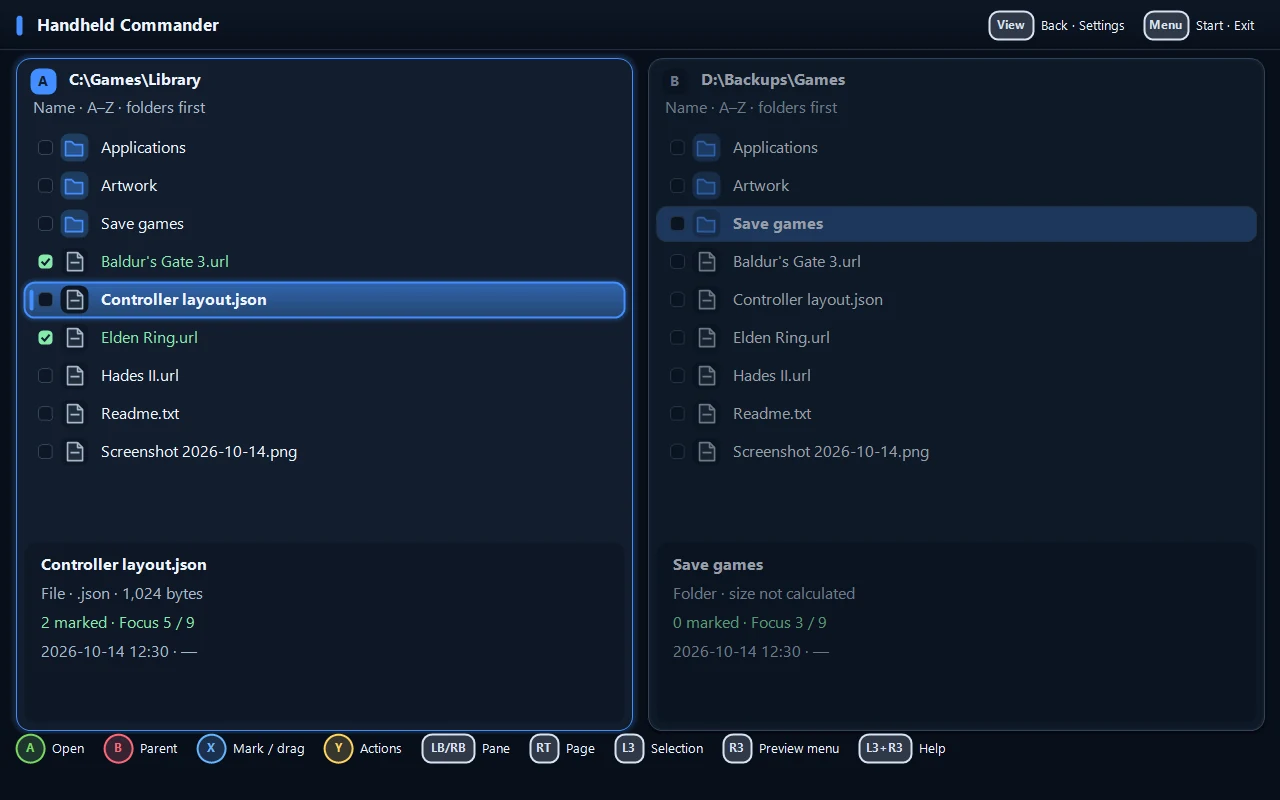
Two independent panes
Each folder has its own tabs, sorting and inspector. Choose a simple list, detailed columns or image thumbnails.
THE WORKSPACE
Move between two folders, keep your selection in view and check a file before opening it. Familiar file management, arranged for a small screen.
Each folder has its own tabs, sorting and inspector. Choose a simple list, detailed columns or image thumbnails.
Hold X for Quick View in the other pane. Open Lister for text, hex, images and media, with search and viewing controls.
See the source, destination and conflicts before a copy or move. Copy verification checks the result; existing files are kept by default.
ZIP browsing, packing and extraction. Search, filters, selection masks, batch rename, saved locations and up to eight tabs per pane.
FILES TO GAMES
Your games dashboard is one hold away. Find installed games from Steam, Epic Games, GOG, Xbox / Game Pass and EA, pin the ones you play and add your own cover art.
Detection reads local launcher files. Available artwork varies by launcher.
YHold for Games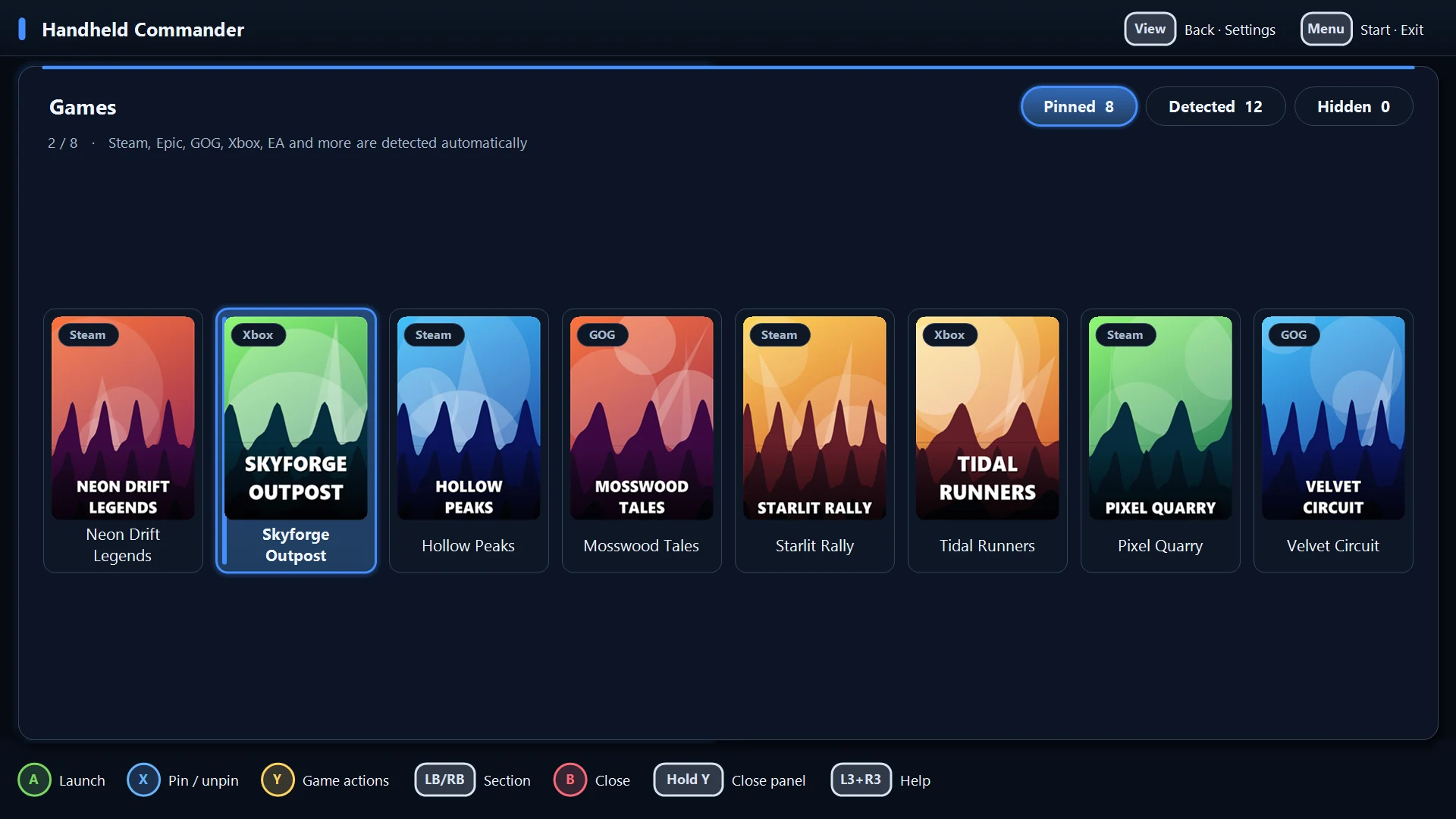
MAKE IT YOURS
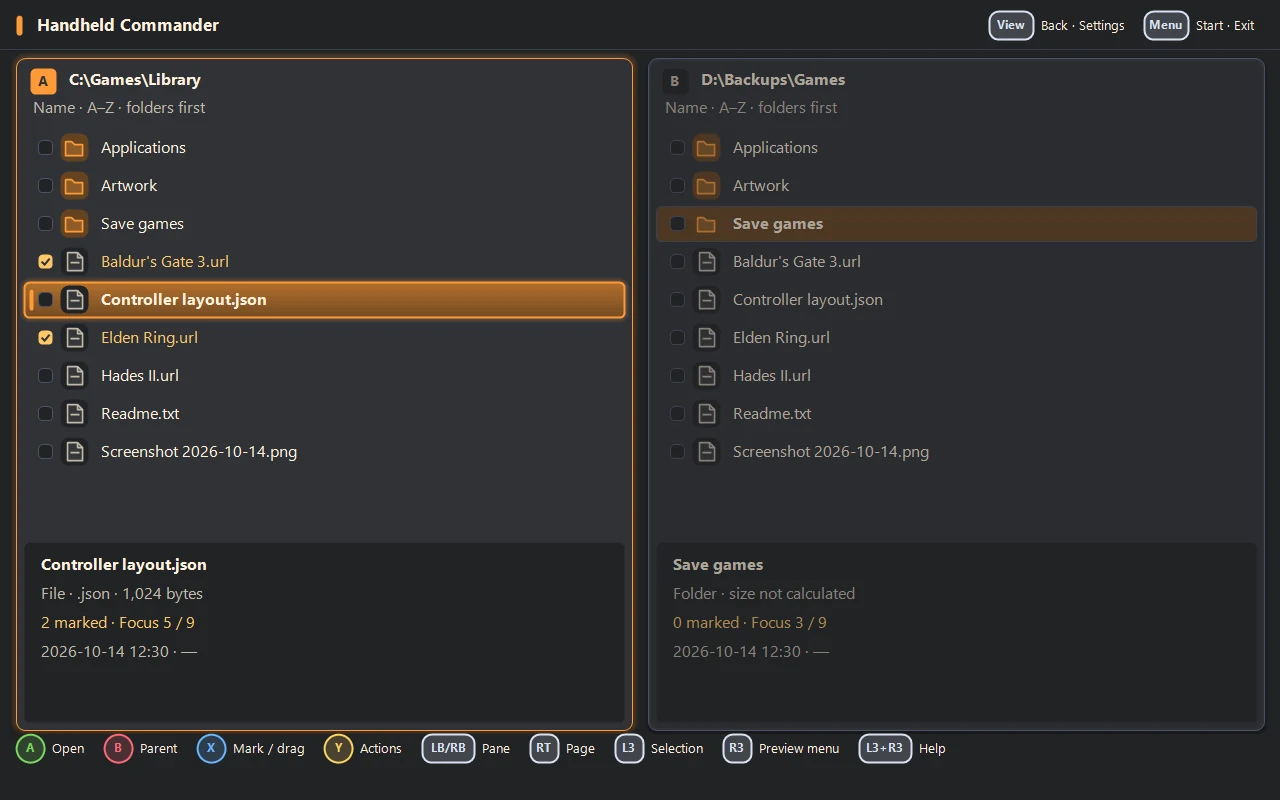
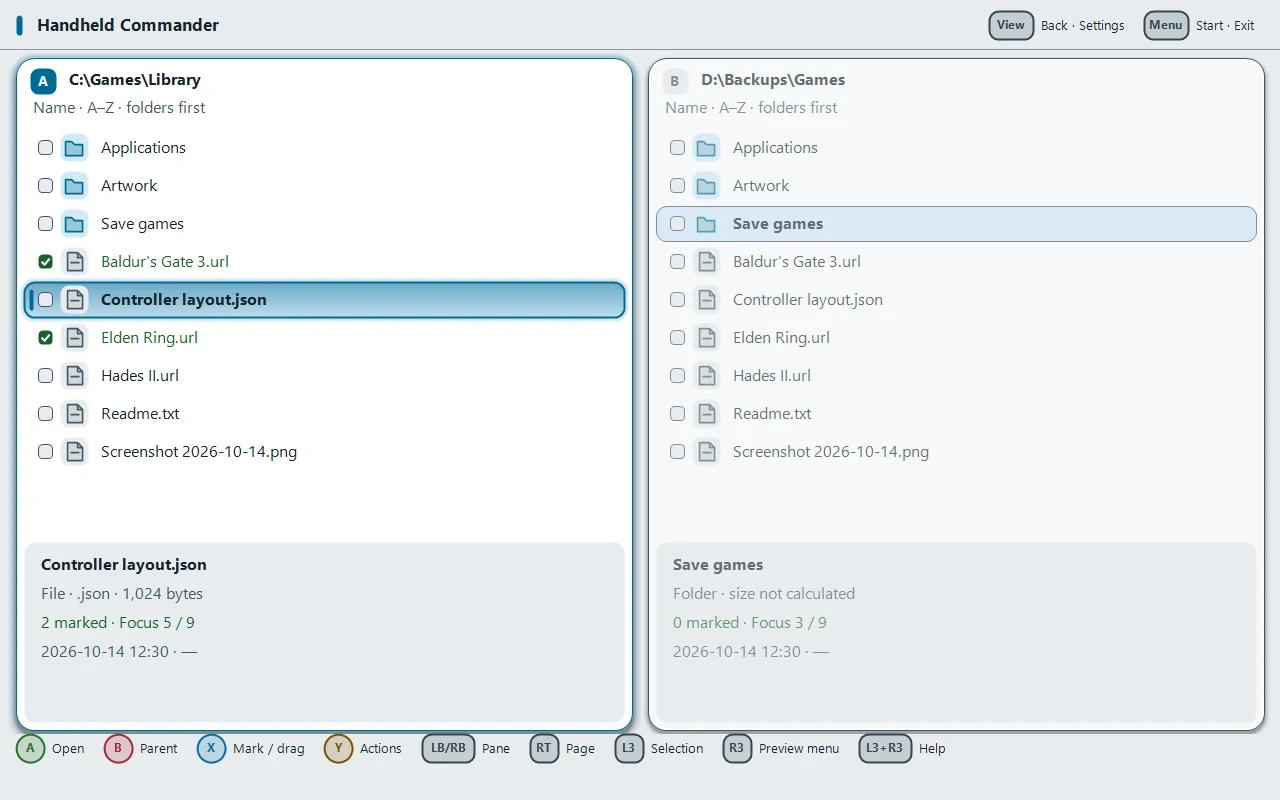
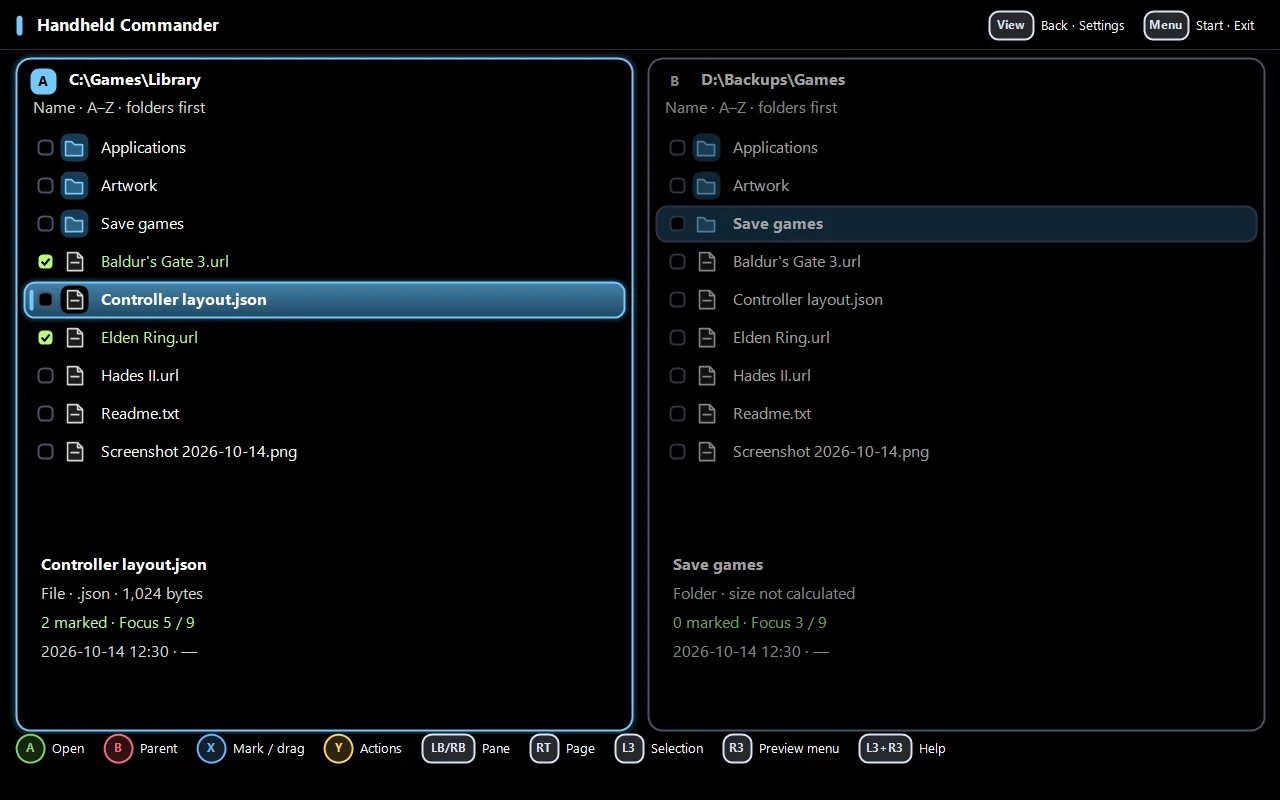
Twelve themes, including a high-contrast option. Change individual colors, import a theme or export your own.